a wedding planner for iphone
Every arrangement,
settled.
The programme, the guest book, the ledger and the plan, kept in one place.
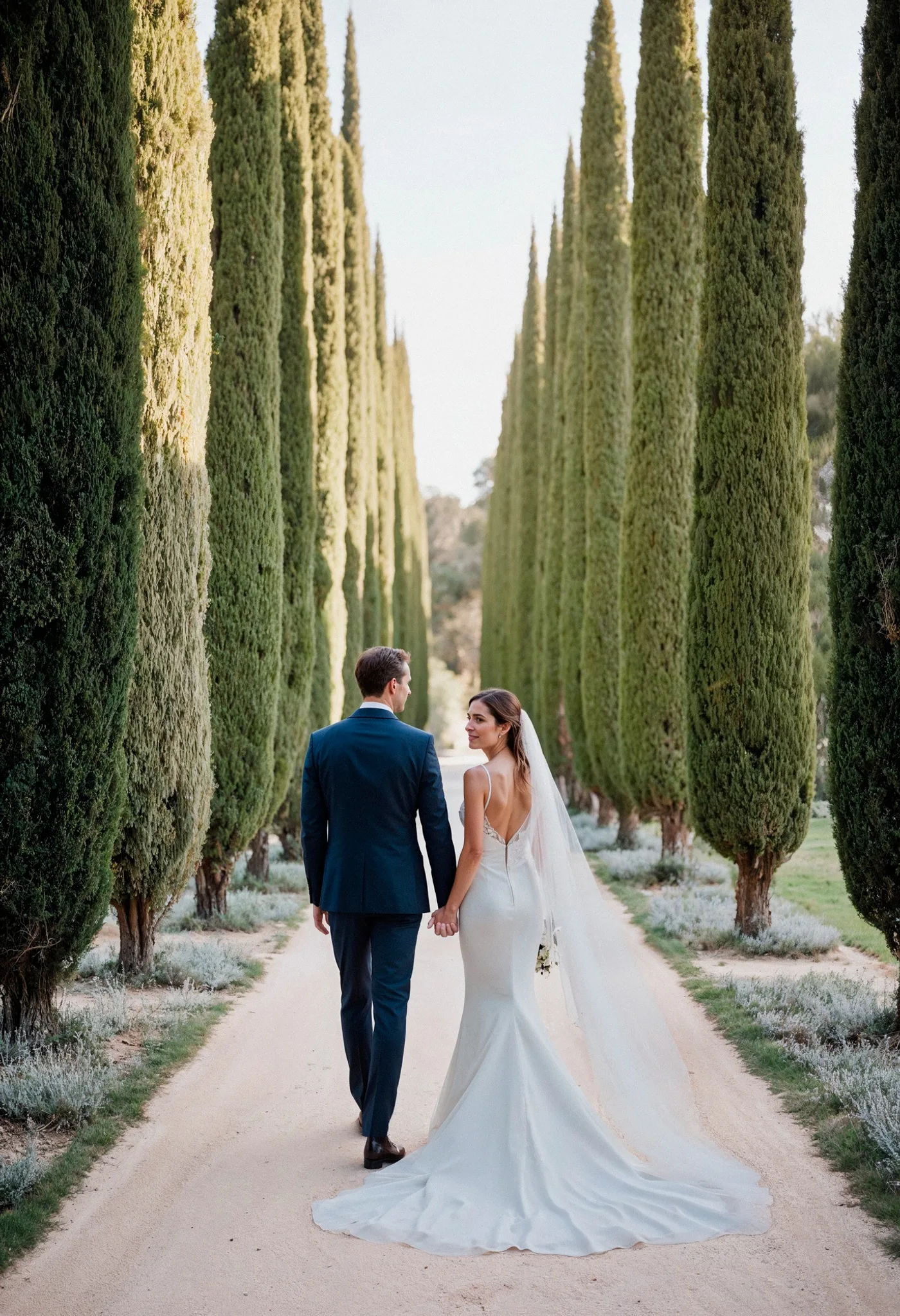
the wedding of
Elin & Marius
Thursday 27 May 2027

Set a date to start the countdown
4 of 21 arrangements settled
The whole wedding on one page.
Tashi opens on the programme: who is coming, what it costs, and how the room is laid out. Everything else is one tap from there.
the programme
next in hand
- Confirm the floristby 3 Sept
- Send the second round of invitationsby 9 Sept
- Choose the ceremony musicby 21 Sept
Tasks move down into a settled list as you finish them, so the top of the page always shows what is still open.
The diary, set as a calendar page.
Every fitting, tasting and deadline in one month view. Marked days carry a gilt dot. Tap one to read the day in full.
saturday, 12 september
- 09.30Hair and makeup begins
- 12.00Photographer arrives
- 15.00Ceremony
- 16.30Drinks on the terrace
- 19.00Dinner is served
A ledger, not a spreadsheet.
Set the total once. Tashi allots it across thirteen categories and keeps the running balance as you pay, with due dates on every instalment.
laid out of 15,000
The day itself
| item | allotted | paid |
|---|---|---|
| Venue and catering | 6,400 | 5,900 |
| Music | 1,200 | 1,200 |
| Flowers | 900 | 640 |
The record
| item | allotted | paid |
|---|---|---|
| Photography | 2,100 | 1,050 |
| Stationery | 480 | 480 |
| Cake | 390 | 0 |
The people
| item | allotted | paid |
|---|---|---|
| Attire and beauty | 2,300 | 2,300 |
| Transport | 560 | 560 |
| Favours | 270 | 270 |
The guest book keeps the replies.
Build the list, send the invitation by email, then watch the replies land. Plus ones, dietary notes and table numbers all sit on the guest, so nothing gets lost in a thread.
Example figures.
- Seat the room on a plan you can drag, with a chair count per table.
- Keep the wedding party and their roles beside the list.
- Collect the styles and images you like on a mood board.
Find the people who make the day.
Photographers, florists, venues, music and eleven more categories, set like a trade listing with hours, directions and a gallery. Save the ones you like to My Plans.
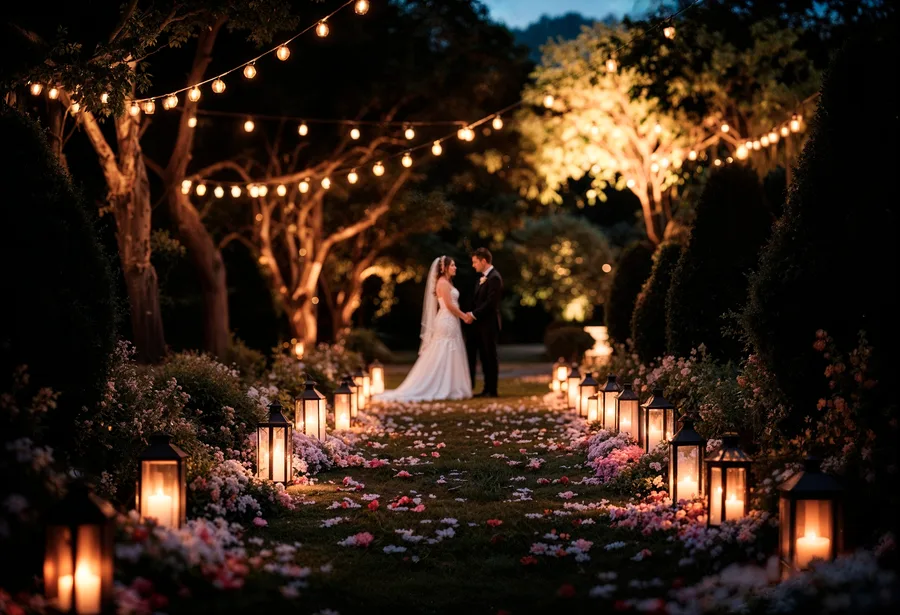
Romantic
Soft colour, candlelight, a garden ceremony.

Minimal
Clean lines, one flower, a short guest list.
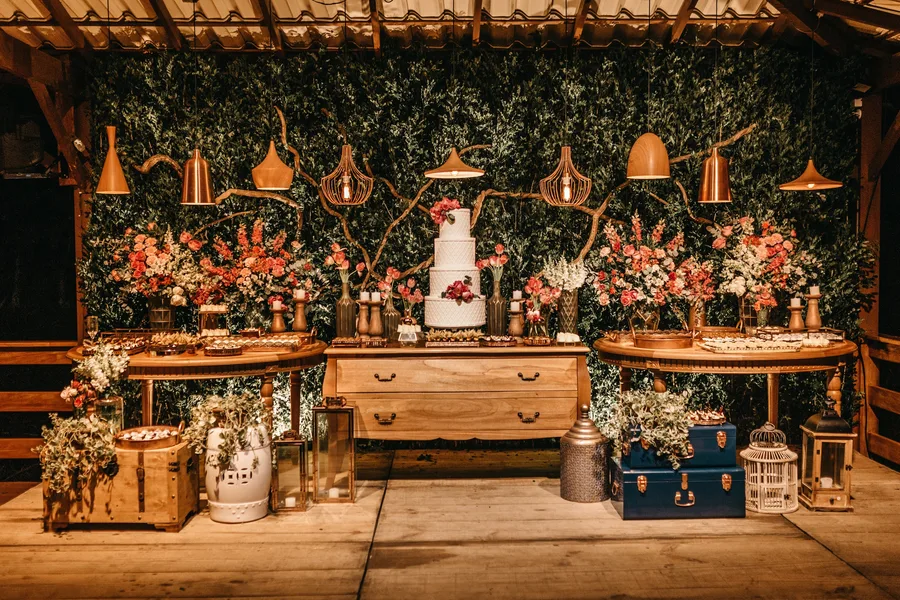
Traditional
A church, a long table, the old order.
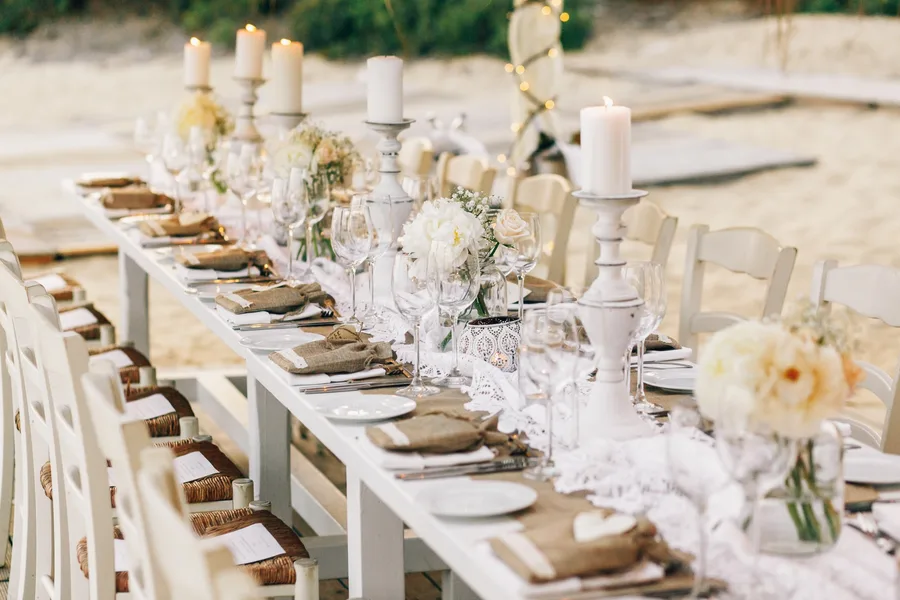
Modern
Sharp tailoring, a city room, a late party.
Run a wedding business?
Claim your listing to edit your details and manage your gallery from inside the app.
Set like stationery, not like software.
Most planning apps look like a spreadsheet with a wedding theme painted on. Tashi is drawn the way the invitation is: two faces, hairline rules, and one accent.
Aa
Gilda Display
Carries every name, title and figure.
Aa
Karla
Labels only, tracked and set in small caps.
One accent
Ink, gilt and paper. Nothing shouts.
Rules, not cards
No shadows, no rounded tiles, no clutter.

Free to plan a wedding.
The planner works without paying. Premium lifts the limits when your guest list and your budget outgrow them.
free
Every core tool
Great for simple celebrations.
- The programme, the diary and the ledger
- Guest list, up to ten guests
- Seating plan and wedding party
- Mood board and the vendor directory
premium
free trial
tashi, in full
Monthly or yearly, priced in the App Store. Cancel whenever.
- Unlimited guests
- Add diary entries
- RSVP tracking
- Add your own vendor
- Search every vendor
- Unlimited budget categories
- Custom invitations
- Advanced seating arrangements
- Unlimited PDF export
- Priority support
Questions
Is Tashi really free?
Yes. The programme, diary, ledger, guest list, seating plan, wedding party, mood board and vendor directory all work without paying. Premium lifts the limits on guests and budget categories, and adds custom invitations, RSVP tracking, PDF export and diary entries of your own.
Do I need an account to start?
No. You can plan as a guest straight away, then link Apple, Google or an email address later to keep the data safe and reach it from another device.
How do invitations and replies work?
You create an invitation, choose an email template, pick recipients from your guest list and send. Replies come back into the guest book, with attending, not attending and still pending shown per guest.
Is it on Android?
Not yet. Tashi is a native iPhone app today. An Android version is something we would like to build, but there is no date for it.
What happens to my data?
It is stored against your account and reached over an encrypted connection. We do not sell it to vendors. You can delete your account, and everything with it, from inside the app.
Can I list my wedding business?
Yes. Write to support@tashi.app and we will set the listing up so you can edit your details and gallery from the app.

Begin a wedding.
Download Tashi and set your date. The rest follows from there.